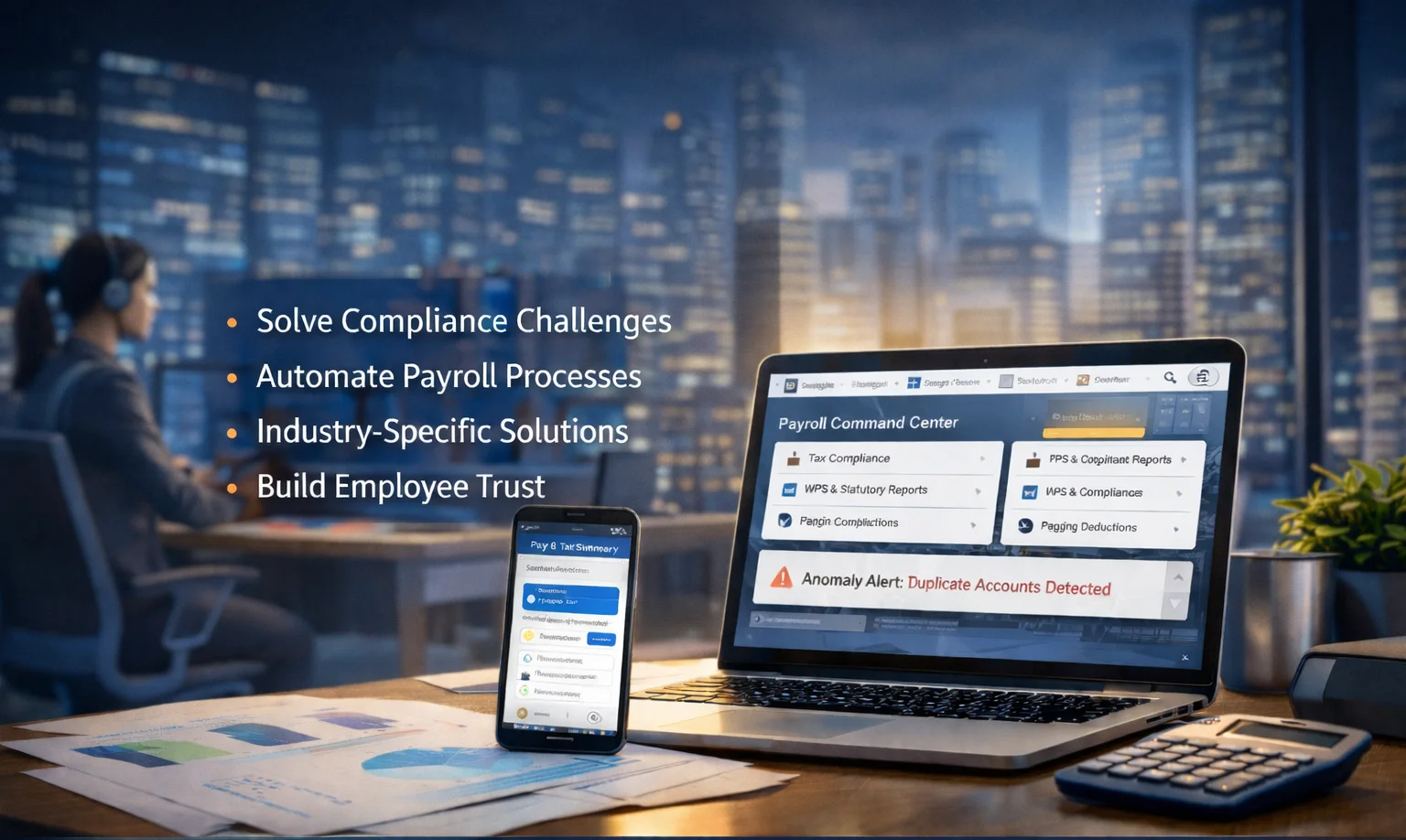
Identifying the best payroll management software is no longer just about finding a digital calculator. It’s about choosing a "Command Center" that reduces manual work and protects you from legal issues. In 2026, as tax systems become more complex and labor laws in places like India and the UAE become stricter, your selection process needs to be thorough.
Here is a step-by-step guide on how to identify the right platform for your business.
1. Detect the "Data Friction" Points
The best software should solve your specific failures. Before looking at features, identify where your current process breaks:
Does your HR team spend days manually reconciling attendance?
Are employees consistently questioning their tax deductions?
Do you struggle to generate bank-ready files (like SIF files for UAE's WPS)?
Identification Tip: If a vendor cannot show you a "one-click" workflow that fetches attendance, leaves, and variable pay into a single dashboard, it is not a unified system.
2. Verify "Native" Statutory Intelligence
Many platforms claim compliance, but few have it "baked into" the code. You should identify software that offers:
India-Specific Compliance: Automated calculations for PF, ESI, Professional Tax (PT), and TDS, with ready-to-file challans.
UAE-Specific Compliance: Built-in WPS (Wage Protection System) support, SIF file generation, and automated Gratuity/End-of-Service calculations based on the latest labor laws.
Identification Tip: Ask the vendor: "How long does it take for your system to reflect a change in national tax slabs or labor law amendments?" The answer should be "instant/automatic."
3. Industry-Specific Identification Filters
Your industry determines your "Must-Haves." Use these filters to narrow your search:
Industry | How to Identify the Right Fit |
Startups | Look for "Zero-Friction" Scalability. Identify software that handles rapid onboarding and has a modular pricing model that grows only as your headcount does. |
Manufacturing | Look for "Shift-Awareness." Identify a system that natively integrates with biometric clocks to handle overtime, night differentials, and complex piece-rate pay. |
Healthcare | Look for "Credential Compliance." Identify platforms that track license expirations alongside payroll and can handle 24/7 rotational shift complexities. |
4. Evaluate the "Employee Trust" Factor
In 2026, payroll software is as much for the employee as it is for the admin.
The Mobile Test: Can employees project their tax liability or download Form 16s directly from their phones?
Transparency: Does the system offer a "Query" module where employees can ask about payslip anomalies directly within the app?
Identification Tip: Request a login for the employee-facing side. If it feels dated or requires a desktop to be useful, it will fail to reduce your HR administrative load.
5. Demand an Audit-Ready Environment
The best software acts as its own auditor. It should provide a "Payroll Command Center" where you can see:
Real-time status of tax declarations.
Pending statutory dues and ready-to-pay challans.
AI-driven anomaly detection (e.g., flagging "ghost employees" or duplicate bank accounts).
The Final Step: From Chaos to Autopilot
Identifying the right tool means choosing a partner that understands the human side of HR. Manual spreadsheets are a liability; automation is a necessity.
When you are ready to stop handling forms and start focusing on people, Kiework offers the best solution. Designed as a chat-first, AI-powered HRMS platform, Kiework removes data friction by directly integrating attendance, leave, and payroll. With 100% SIF/ECR readiness and automated TDS forecasting, Kiework keeps your organization audit-ready and ensures your employees are paid correctly.
